Reports
Data Exports
Export microchip and rabies vaccination records for registries and regulatory reporting.
Microchip Export

The microchip export gives a summary of all microchipped animals seen at your clinic. It can also include unchipped animals for easy comparison.
Navigate to Reports > Microchip Export.
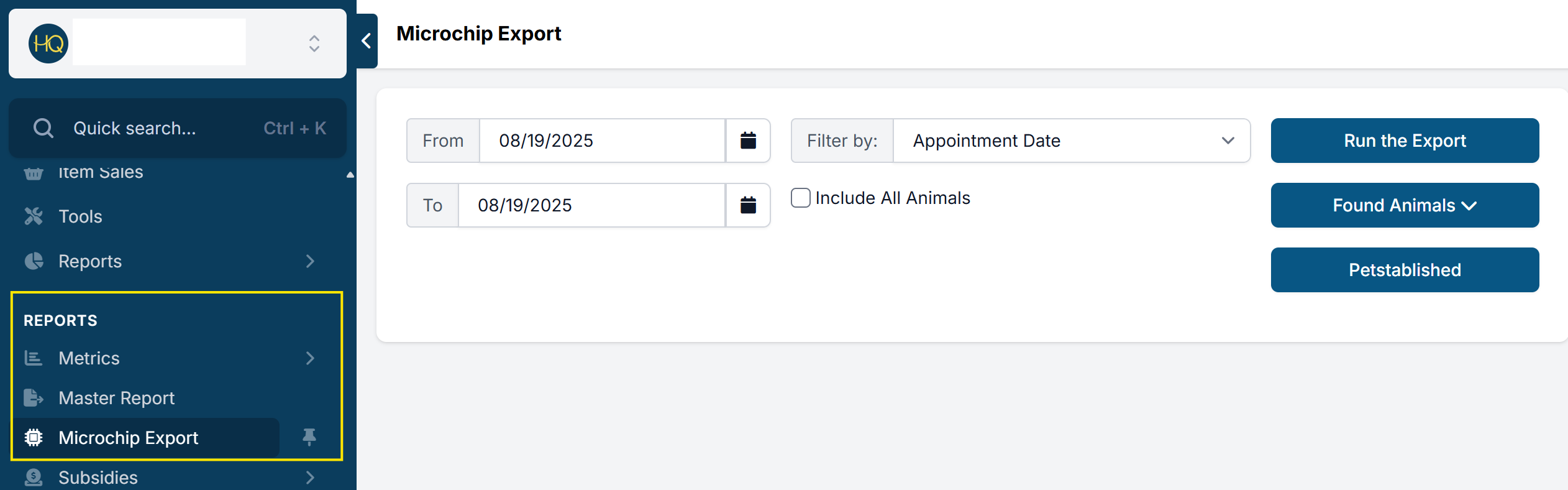
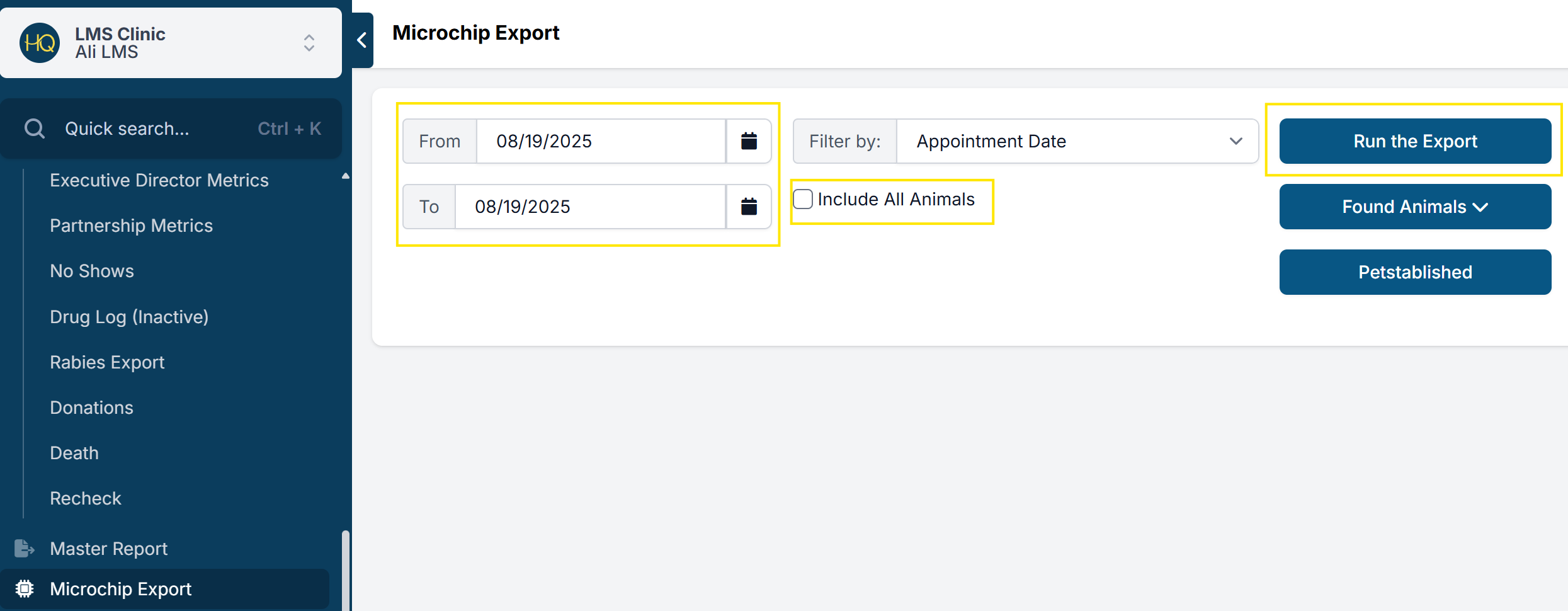
- Export all microchips issued for a specific date range.
- Check Include All Animals to include animals without microchips — useful for auditing which animals have chips and which don't.
- HQ has active partnerships with 24PetWatch and Petlink, which automatically upload microchip data to their registries.
- For other chip providers, use the Run the Export button to download the data and upload it to your provider manually.
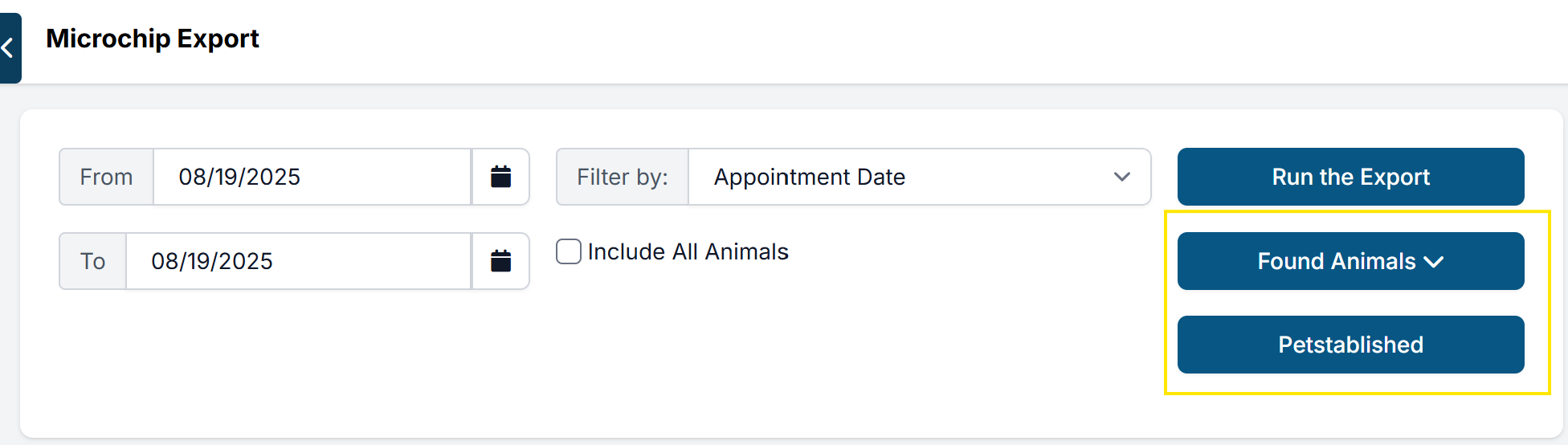
- Use the Found Animals button to generate a CSV or Excel file in the format required by Found Animals' registry. Upload instructions are provided directly by that provider.
- A Petstablished export format is also available.
The exported report includes all information registered with each animal's microchip: address, owner, breed, and more.
Rabies Export

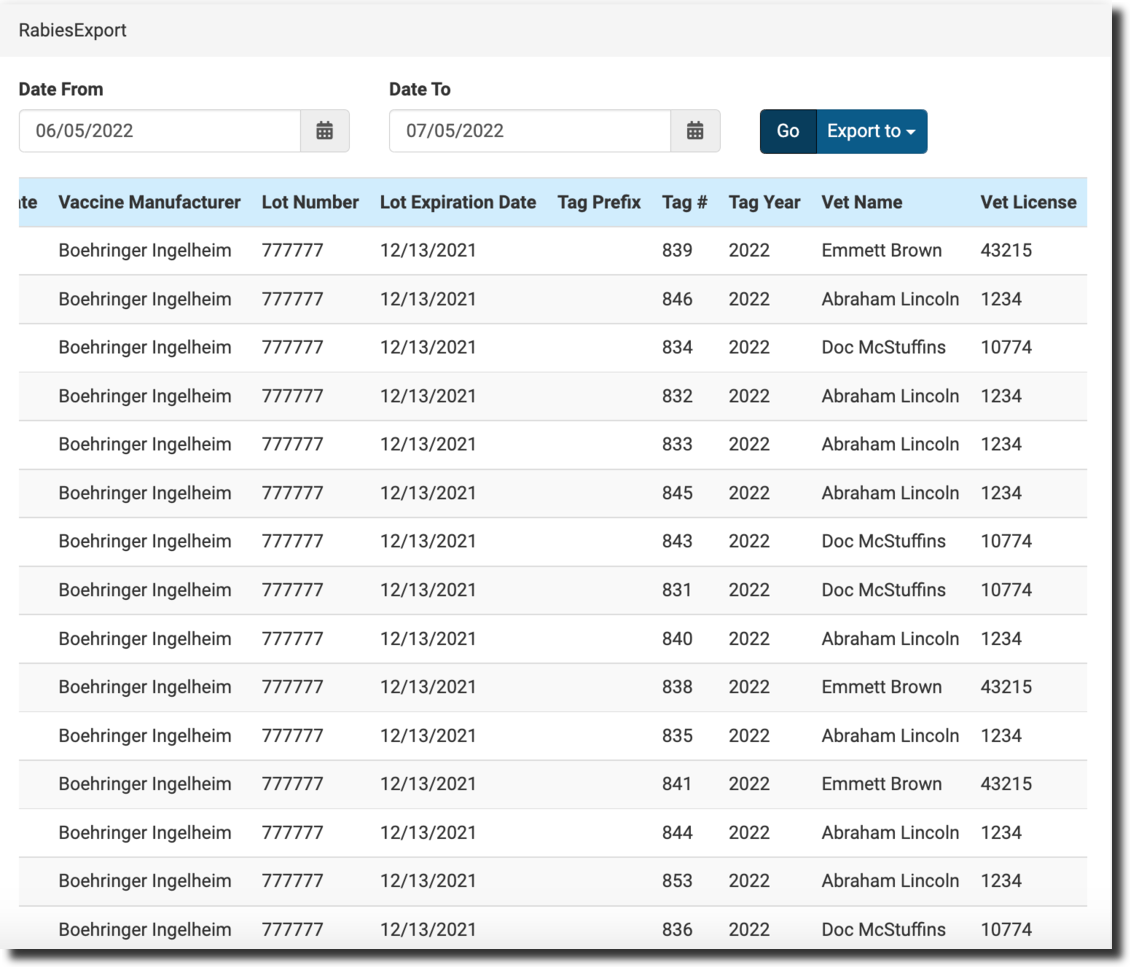
The rabies export is a record of all rabies vaccines given at your clinic, along with each animal's details. Animal control, health departments, or state/county facilities may require this information for regulatory reporting.
Navigate to Reports > Rabies Export. The report can be viewed in HQ or exported.
The export is divided into four sections:
Client information: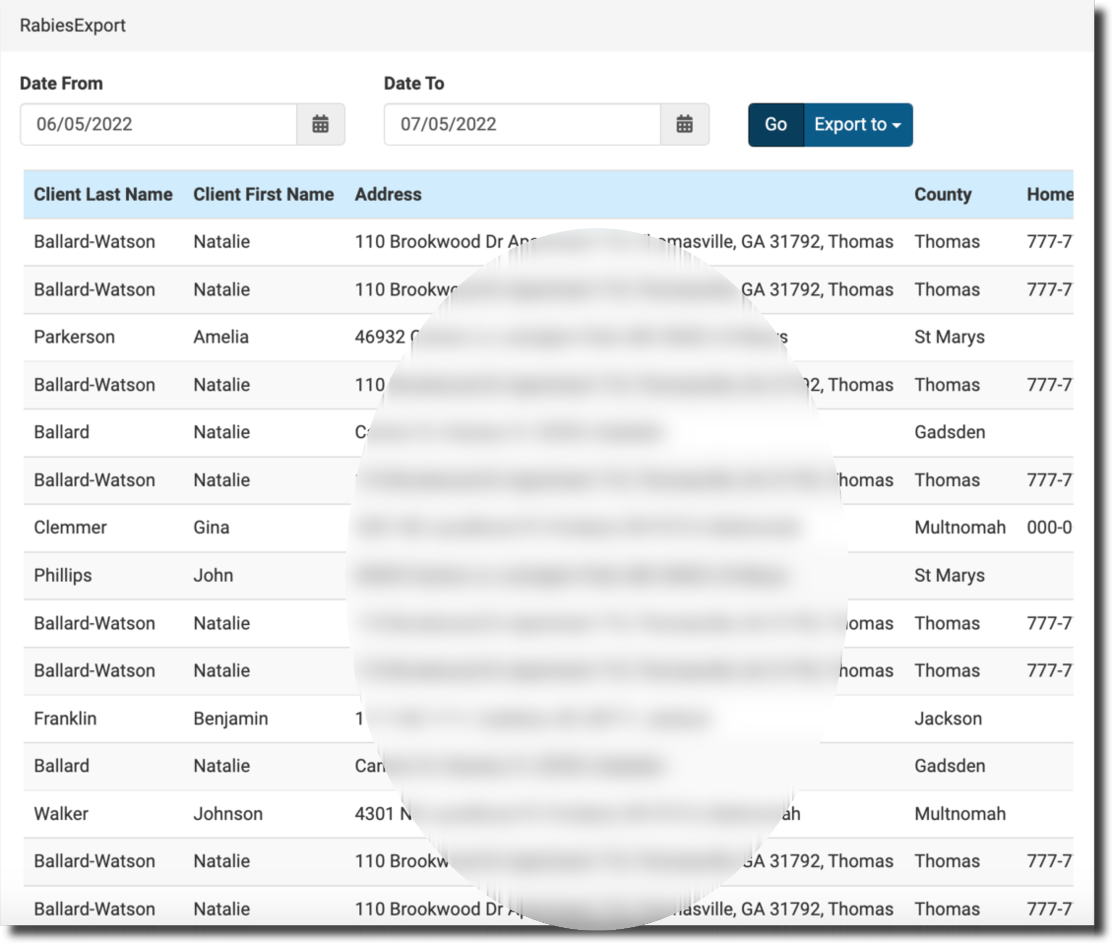
Animal information: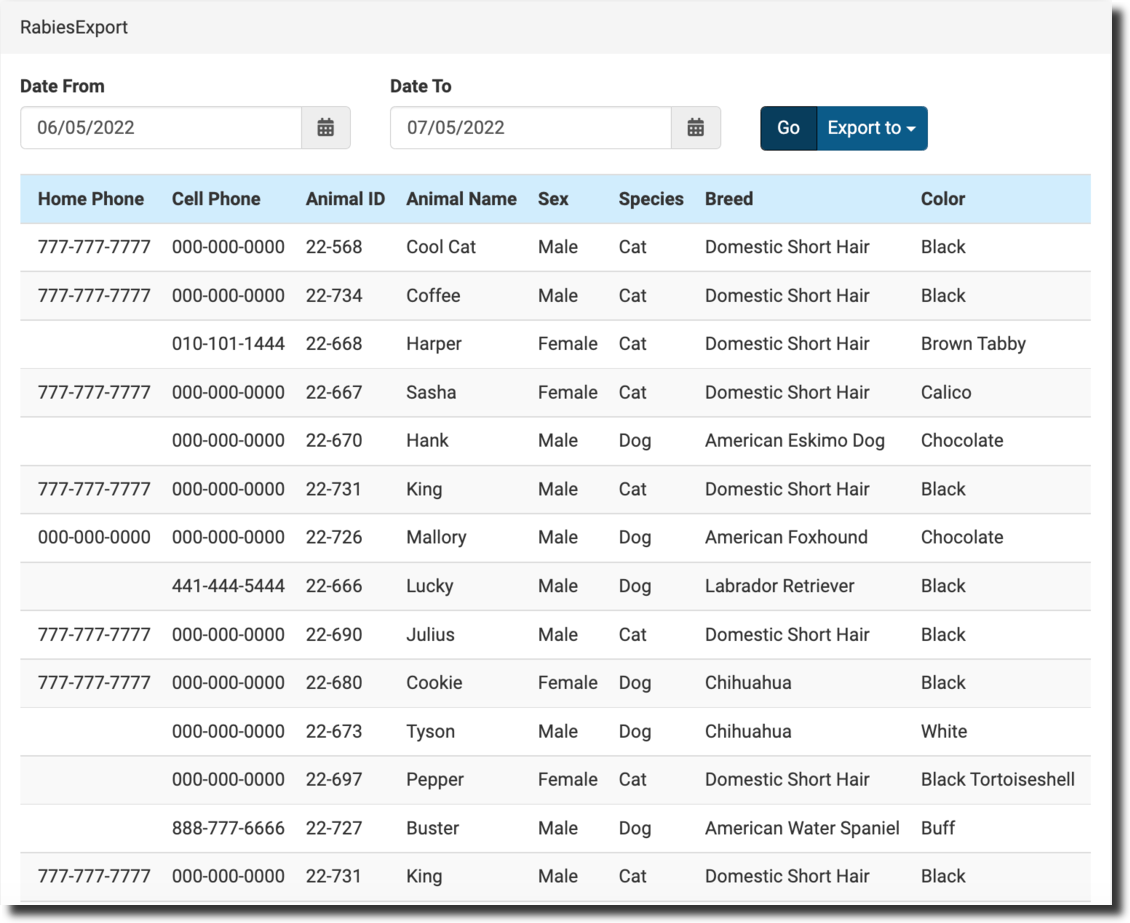
Animal details: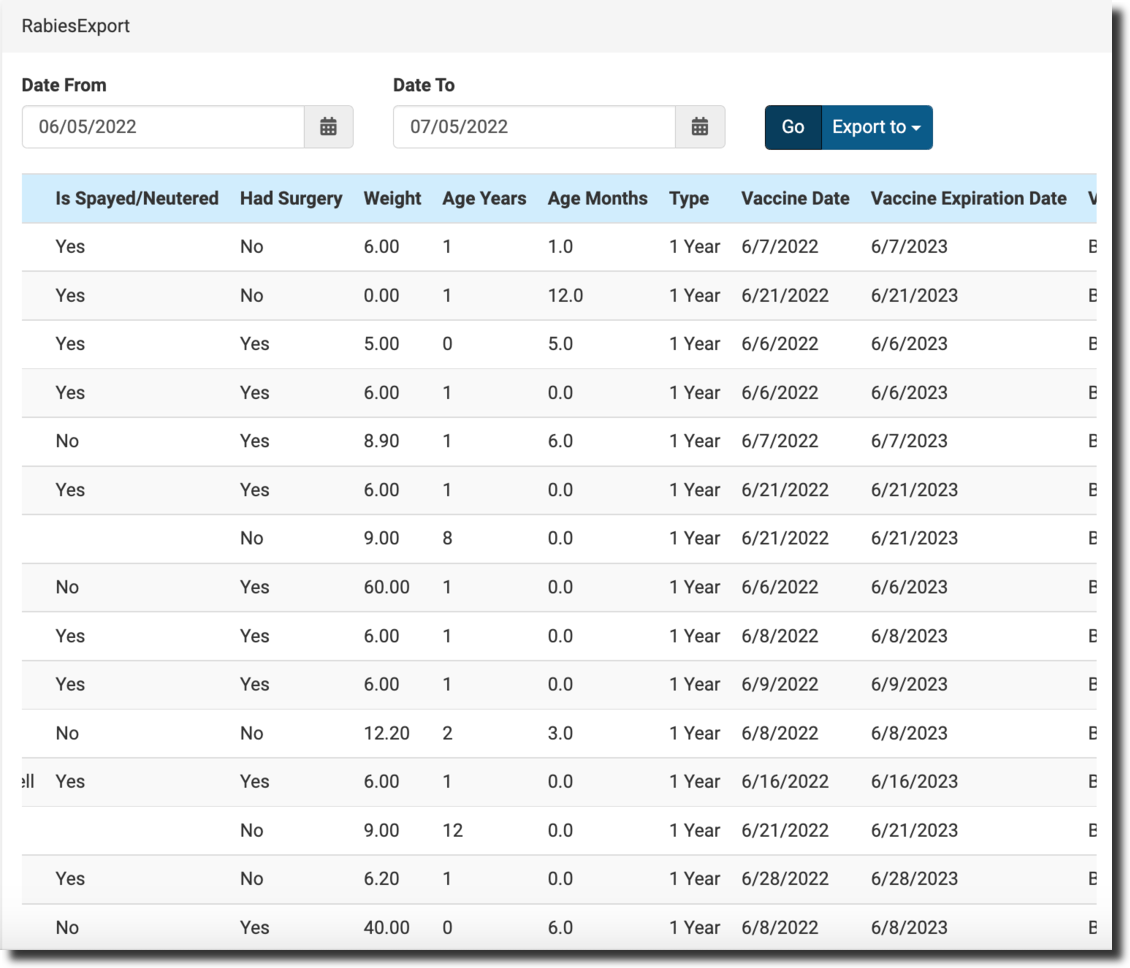
Vaccine and vet details: