Appointment Reports
No-Shows

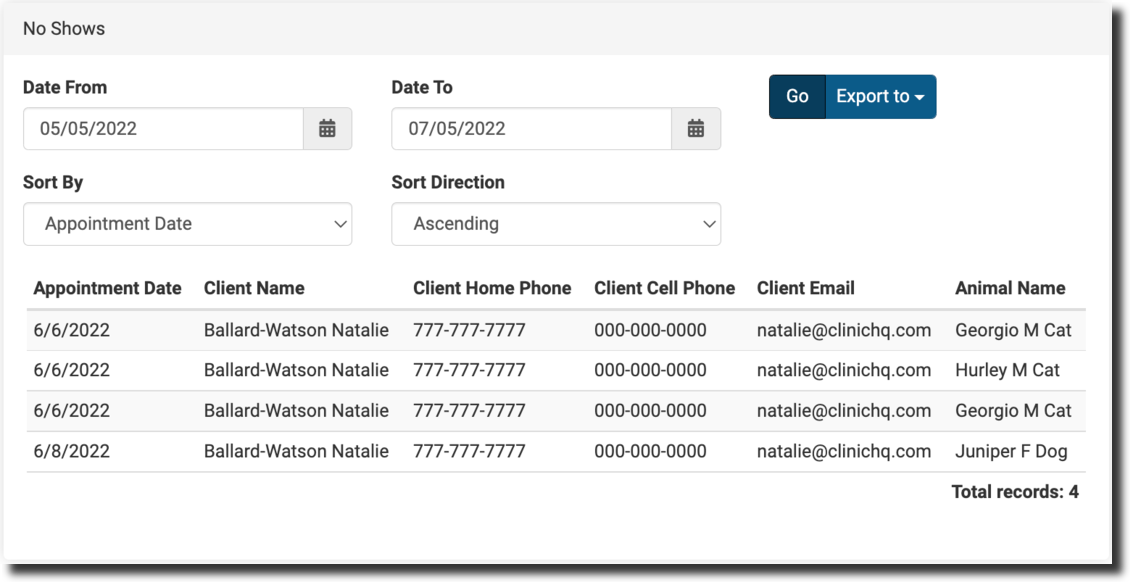
The No-Shows report provides a list of clients marked as no-shows in HQ, helping you manage missed appointments and follow up.
- Clinics often use this report to have volunteers or staff call clients and schedule a new appointment.
- Filter by time period/date and sort by client name or animal species.
- Export to a spreadsheet to access client phone numbers and emails — call to notify them, or send the e-appointments link to rebook.
Recheck Report

The Recheck Report provides more detailed recheck data than the Master Report. It helps clinics identify root causes for post-surgical complications and make protocol changes to prevent them.
Rechecks in HQ are only for animals that received a spay/neuter surgery. Filter by time period and use the dropdowns to organize results.
Navigate to Reports > Recheck Report.
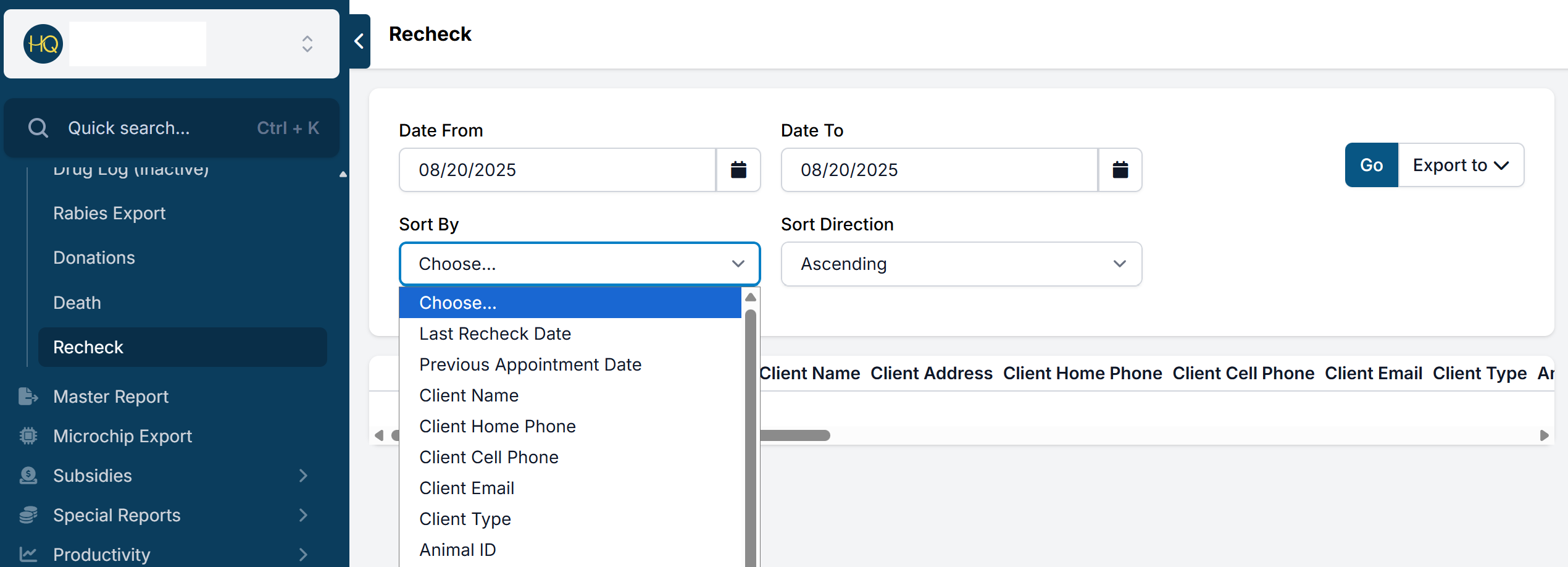
Fields included in the report:
- Last recheck date / Previous appointment date
- Client first & last name, address, phone (home & cell), email, client type
- Animal ID, name, species, sex, breed, age (years and months), weight, animal type
- Reason for recheck
- Original vet name / Recheck vet name
- Recheck notes
Appointment Scheduling Report

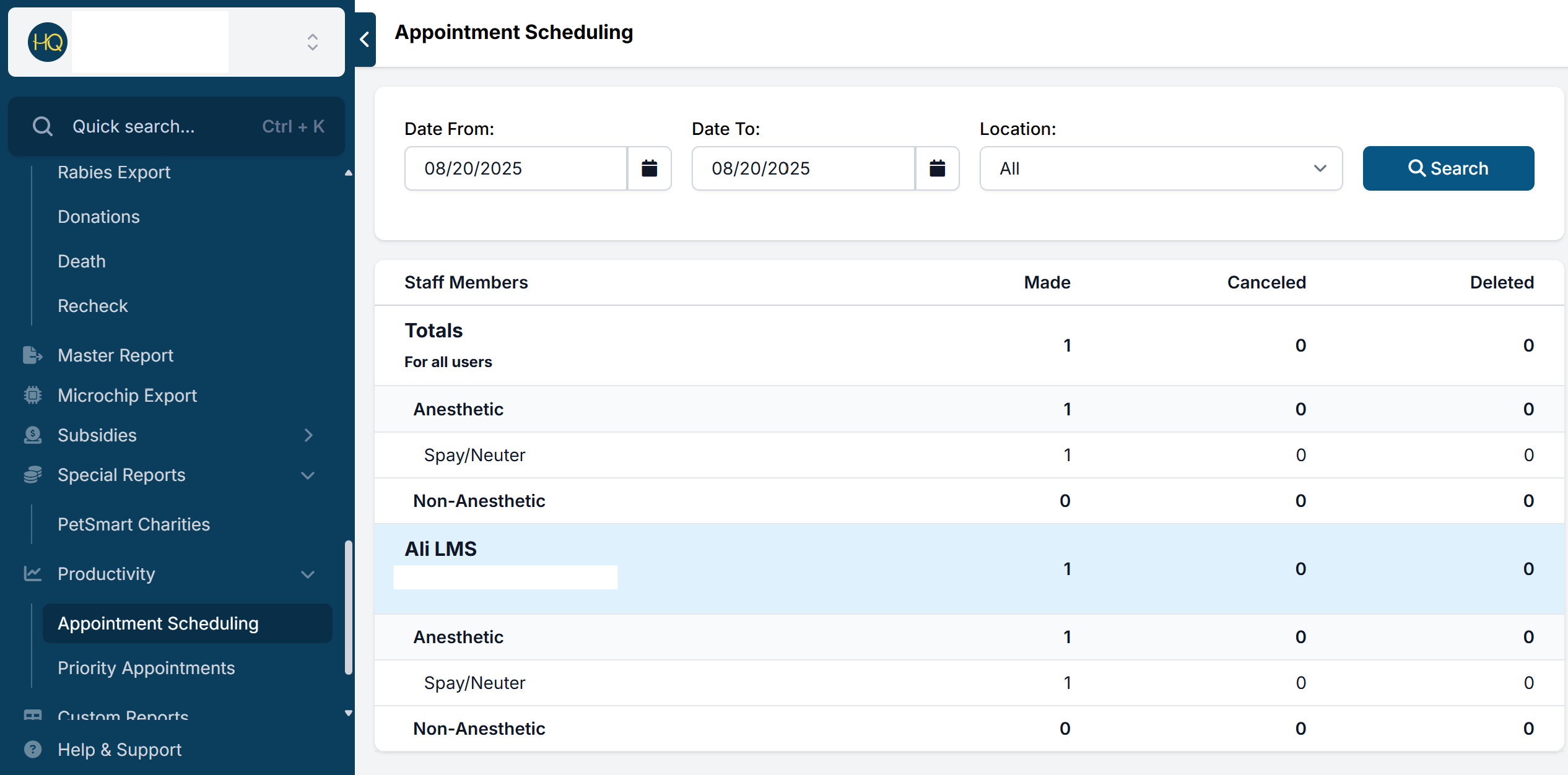
A productivity report showing how many appointments were scheduled per day and by which user.
- Go to Reports > Productivity > Appointment Scheduling.
- Choose a date range to review appointments scheduled during that time.
- Results break down by appointment type and user.
- If your clinic uses mobile scheduling, filter by location.
Note: This report shows appointments created on the selected date for future days — not appointments occurring on that date.
Priority Appointment Metrics

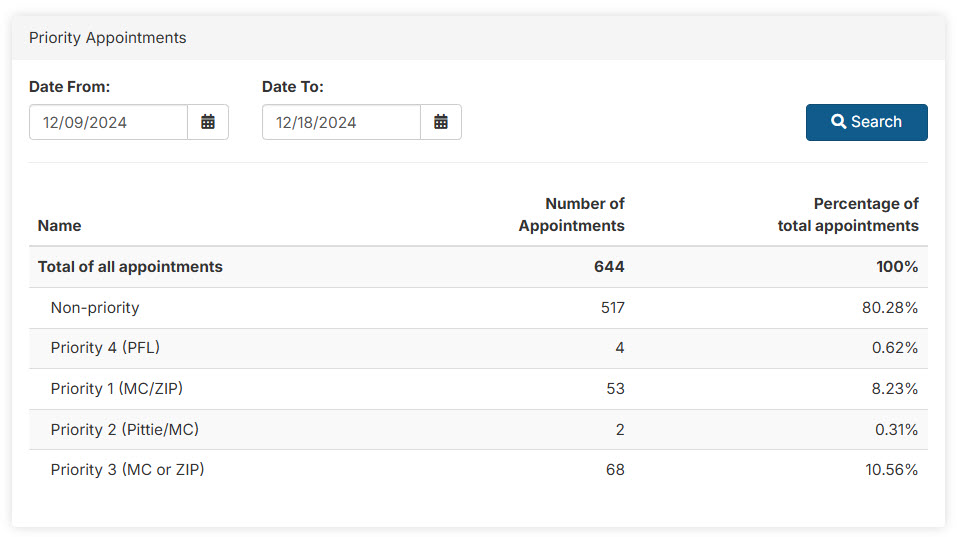
Priority Appointments are allocated to public clients who request appointments online through the E-appointment system. This report provides insight into how many have been completed (checked out) for the selected date range.
- Once priority setups and custom fields are configured, HQ automatically matches clients with available appointments based on your criteria.
- Track how many priority appointments have been booked from the tiles on the Spay/Neuter calendar.
- The counts and percentages reflect appointments that have been checked out during the selected date range.