Welcome

This manual is your step-by-step guide to Clinic HQ—built to save time and “cut” down on--- Unknown node: hardBreak ---the workload (no anesthesia required!). Our goal is for this to be your first stop whenever you or your staff have questions. Each feature is broken down into simple how-to sections, with videos and screenshots where useful.
Accessing HQ
Visit clinichq.com to log in. The only requirement is that you use Google Chrome as your browser.
Finding Information in This Manual
Use the Search tool in the top to quickly locate topics.
Learning Clinic HQ
We’ve created clear, easy-to-follow online resources available to you and your staff 24/7. All of our how-to videos are in HQ University. We highly recommend watching them to familiarize yourself with each topic and get the most out of our tools.
Getting Help
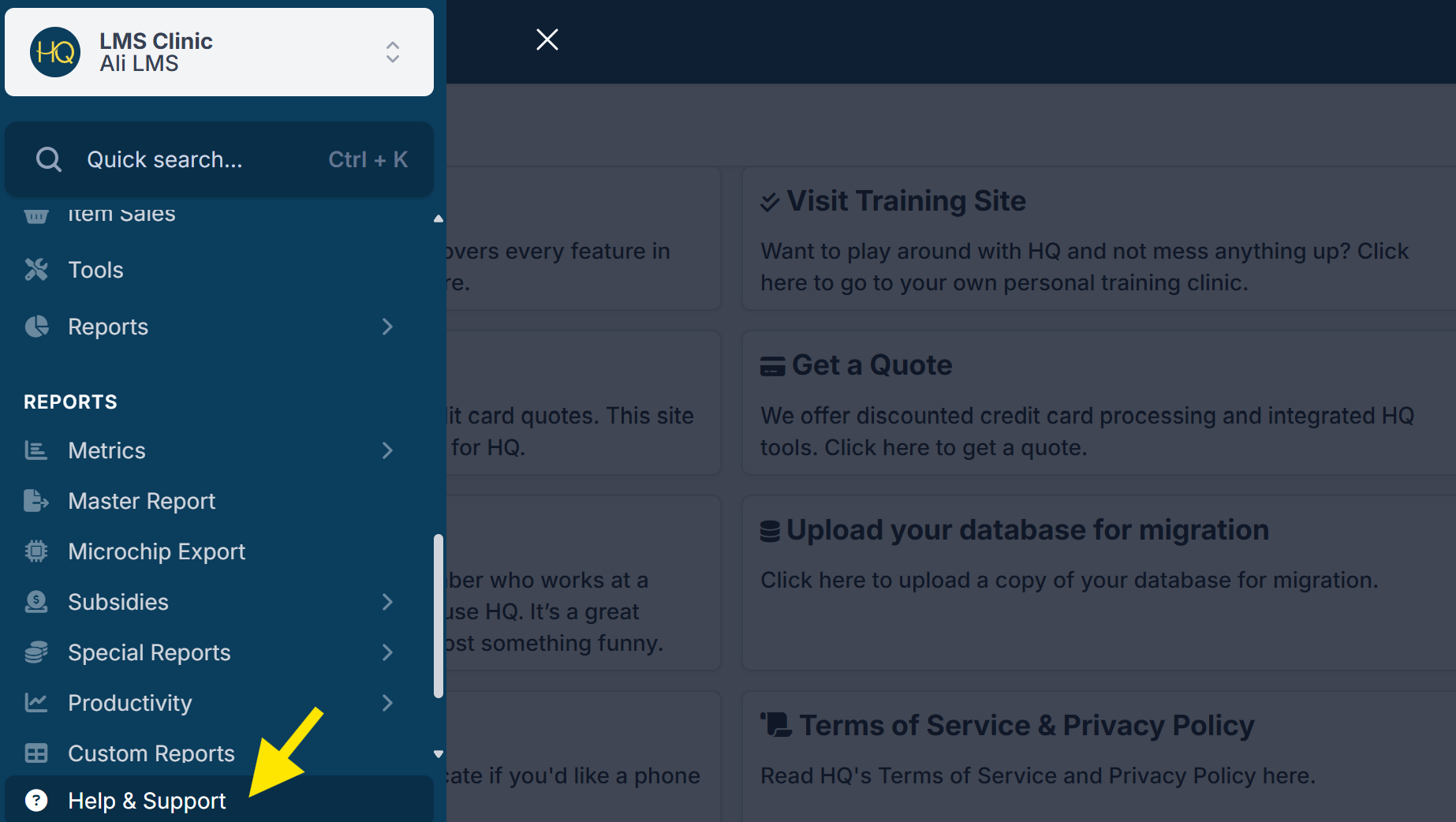
Scroll to the bottom of the navigation panel on the left and select Help & Support to access available support resources.
Have a question? Ask Fin, our AI assistant! Fin can help you quickly find answers, explain processes, and guide you through common tasks—anytime you need a hand.
Accessing Your Own Personal Training Clinic
If you’re new to Clinic HQ, one of the best ways to learn is by using your training clinic.
- Go to: Help & Support > Visit Training Site
- The training clinic lets you practice making appointments, checking out animals, and exploring the software without affecting your real clinic.
- Each user has their own personalized training clinic with common default settings, which you can adjust to better match your real clinic.
Connect with the Community
The Spay/Neuter Central Facebook Group is a resource for anyone who works at or volunteers for a spay/neuter or wellness clinic. It’s a space to ask questions, share ideas, and connect with others in the spay/neuter community. While it’s open to everyone in the field, most members are Clinic HQ users, and the group is managed by the Clinic HQ team.
Bookmark Key Resources
Make sure to bookmark these pages for easy access:
Learn how to bookmark pages in Chrome HERE
We hope it's smooth sailing from here! But if you've searched the manual and still can't find what you're looking for, reach out to [Fin] , our AI assistant. Fin can help you quickly find answers, explain processes, and guide you through common tasks. If Fin can't answer your question, he'll connect you with our Tech Support team for additional assistance.
Happy HQ'ing!