1.3.5.1. Updating User Information
Easily manage and update your personal account details by navigating to the user preferences section. You can modify your name, phone number, or email address here. Simply follow the steps to keep your information up to date.
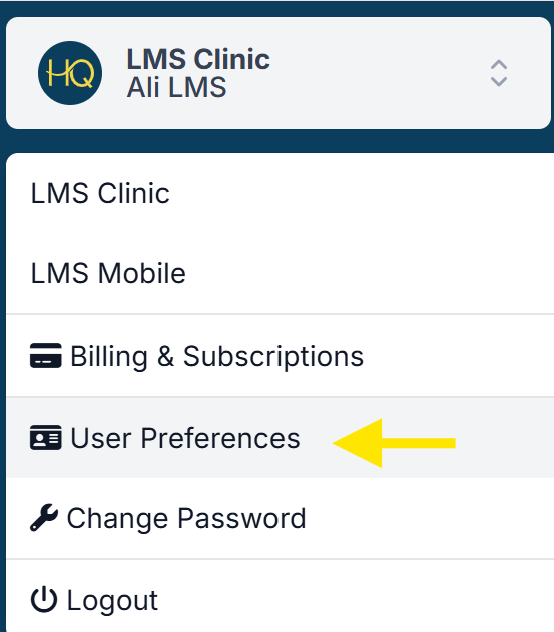
- Click on your clinic name in the upper left corner of the navigation menu.
- Navigate to User Preferences.
- Choose Profile to update your name or phone number, then click Save.
- Select Email to modify your email address, then click Change Email.
1.3.5. Account Management (User Preferences)
Maintaining strong account security is essential for protecting client information and safeguarding access to Clinic HQ. All users are expected to implement key security measures, including creating strong passwords, enabling two-factor authentication (2FA), and generating recovery codes for emergency access. Users should also set up passkeys for a more secure login experience that is resistant to phishing and credential theft.
1.3.5.2. Changing Your Password
It’s a good idea to change your password if it has been compromised, is too simple, has been shared, or you’ve forgotten it. Keeping your account secure is always worth the extra step!