1.5.3. Clinic HQ University
Discovering HQ University
Whether you’re a brand-new clinic or have been with Clinic HQ for years, the training videos in Clinic HQ University are essential for key administrative and medical team members. These courses help your team fully understand the ins-and-outs of the software.
HQ University provides comprehensive training and education for veterinary professionals looking to integrate cloud-based software into spay/neuter clinics. Our mission is to improve the efficiency, safety, and overall quality of services through innovative technology and education.
What You Can Expect
- Comprehensive training on HQ’s cloud-based software.
- Expert guidance on integrating HQ into your clinic.
- Ongoing support and updates to maximize value.
- A community of like-minded veterinary professionals.
How to Access Training Courses
- Go to HQ University
- Click Course Login in the top navigation menu.
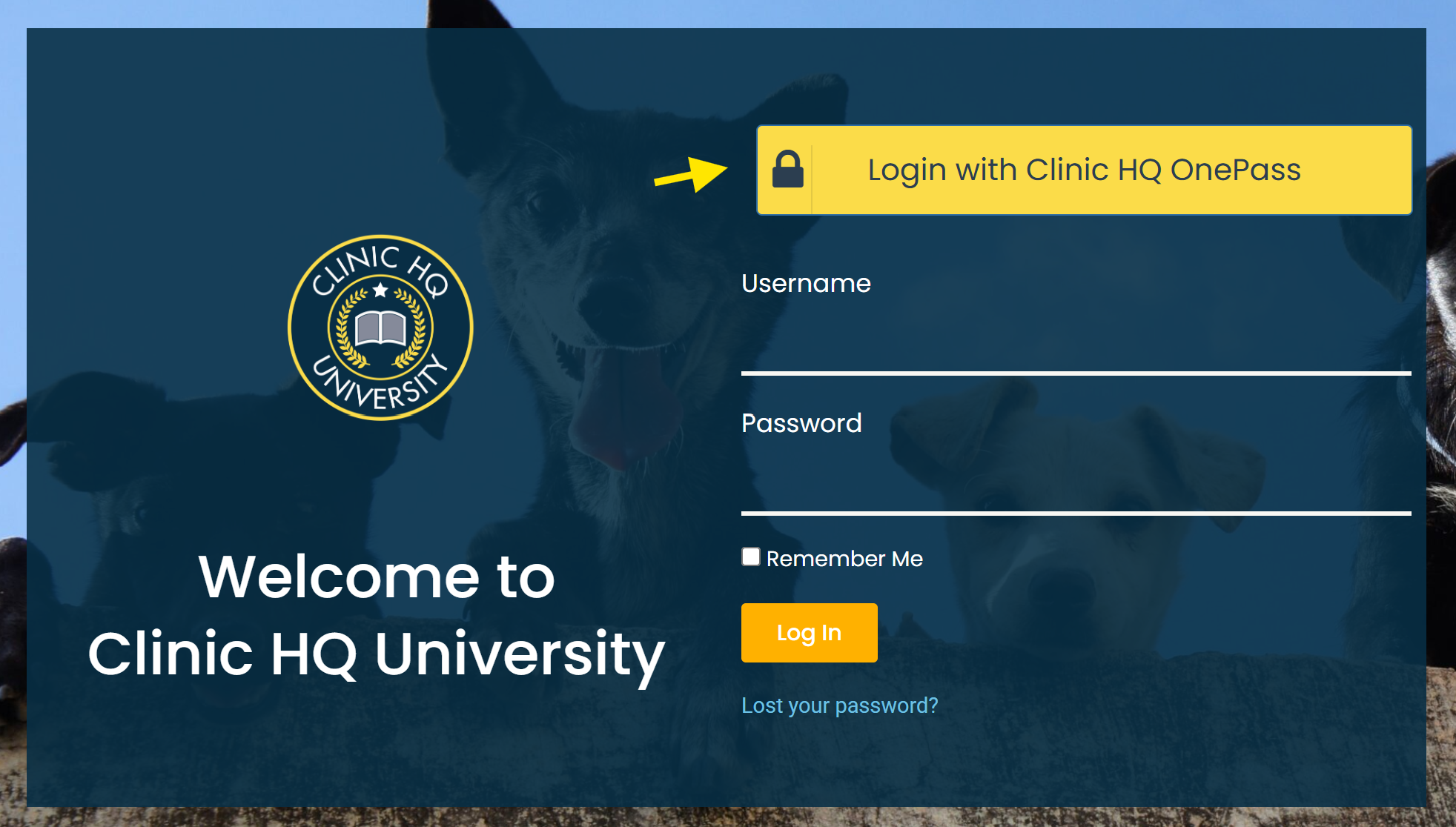
- Select Login with Clinic HQ OnePass.
- If you’re already signed in, you won’t need to enter credentials again. #_ Once logged in, click My Courses.
- Complete as many of the free HQ Setup Courses as you’d like — and get HQ Certified!
Clinic HQ Setup Course
- Each clinic should designate at least one administrator to complete this course.
- The Setup Course covers every screen in HQ, including detailed tools and advanced features.
- It’s ideal for clinics that want to leverage all of HQ’s capabilities.
Clinic HQ Go-Live Courses
- Admin Course – Covers administration basics through advanced tasks such as making appointments and managing payment options.
- Medical Course – Guides the medical team through Patient Flow, drug logging, medical records, Idexx, and rechecks.
HQ’s Top Tools
- Watch these videos on HQ’s most powerful features.
- Discover tools you may not be using yet — all included in your subscription.
1.5.2.1. What HQ Does Not Provide Assistance On
We aim to provide all the information you need to run your clinic smoothly with Clinic HQ. At the same time, we want to be clear about the areas we are unable to troubleshoot or support.
1.5.4. Training Clinic
At HQ, every user has access to their own personal training site. This dedicated space is designed to give you the freedom to explore without any worries. You can test out new features, enter sample data, and experiment with different workflows—without the risk of affecting your real clinic site.