Chat Settings
Chat allows your clinic to communicate with volume clients that have Portal access from within Clinic HQ using an instant messenger style tool. Read more about how your team and VCP users can utilize the Chat tool HERE.
This tool relies on a different technology than the Call & Text Add-On. If you are currently texting your volume clients, this will be a less expensive option. HQ Chat is FREE since it does not use a texting phone number.
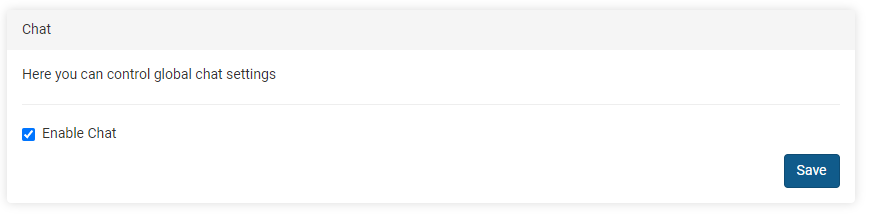
If you’d prefer to turn it off, go to Settings > Chat and untick the box to disable the chat. Click Save to update your settings.
Once disabled, your staff will not be able to use the new Chat tool, nor will your Volume Clients be able to reach you via the chat bubble in the VCP. It will simply say the clinic has disabled the feature.