Scheduling
4.10. Things to Know About Walk Ins
A walk-in appointment is when a client arrives at your clinic without a scheduled time, requesting care for their animal.
A walk-in appointment is when a client arrives at your clinic without a scheduled time, requesting care for their animal.
Even though walk-ins cannot be scheduled in advance, it is still important to create an appointment in HQ. This ensures a medical record is created and allows the visit to move smoothly through Patient Flow.
Scheduling a Walk-In
- Open Quick Search (Ctrl + K).
- Select Walk-In Appointment.
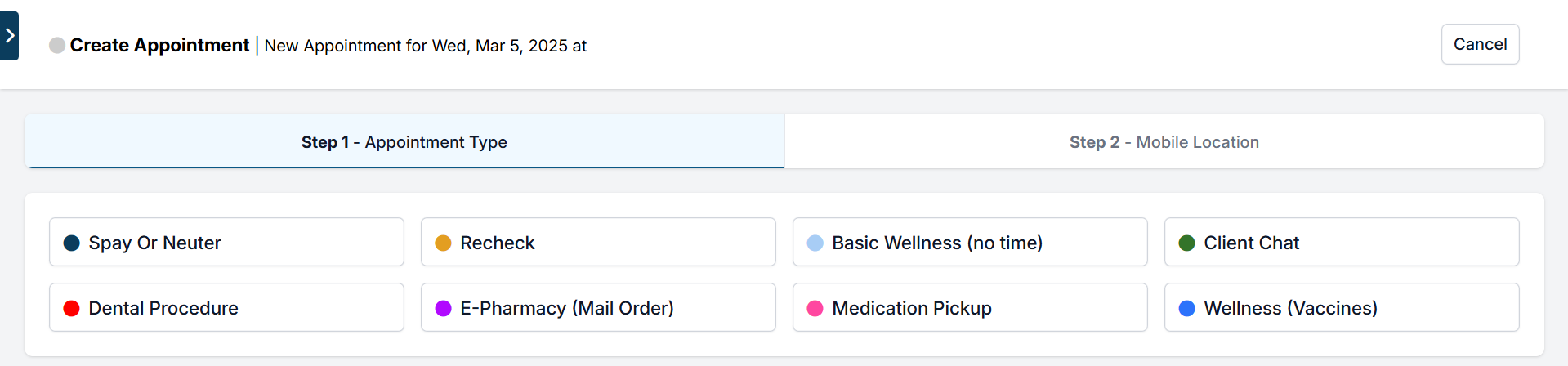
- Choose the purpose of the appointment.
- Enter the client and patient details.
- Save to create the appointment.
Walk-ins can be scheduled as any appointment type and will follow the same check-in and check-out process as regular appointments.
Why Create an Appointment for Walk-Ins?
Documenting walk-ins in HQ is important because it:
- Captures client and patient information.
- Allows the visit to move through Patient Flow.
- Ensures proper check-in and check-out steps.
- Generates accurate take-home paperwork.
- Creates a complete medical record.
This keeps workflows consistent and ensures smooth, efficient patient care.