20.2.8. Goal Widget
The Goal Widget allows your clinic to set a goal, say $5,000 and to measure the amount raised against the goal. This is a very useful tool for rallying your supporters to meet a fundraising goal.
✅ Pro Tip: Campaigns
First it's important to understand you can have separate donation campaigns to raise money for various things. For the Goal Widget, it's more appropriate to use it to raise funds for a specific cause. Let's say you wanted to do a "Fall Fundraiser" with a goal of $20,000. To do this -- and have a separate special link just for this type of campaign -- you'd set up a new campaign just for this special project.
Setting up a campaign
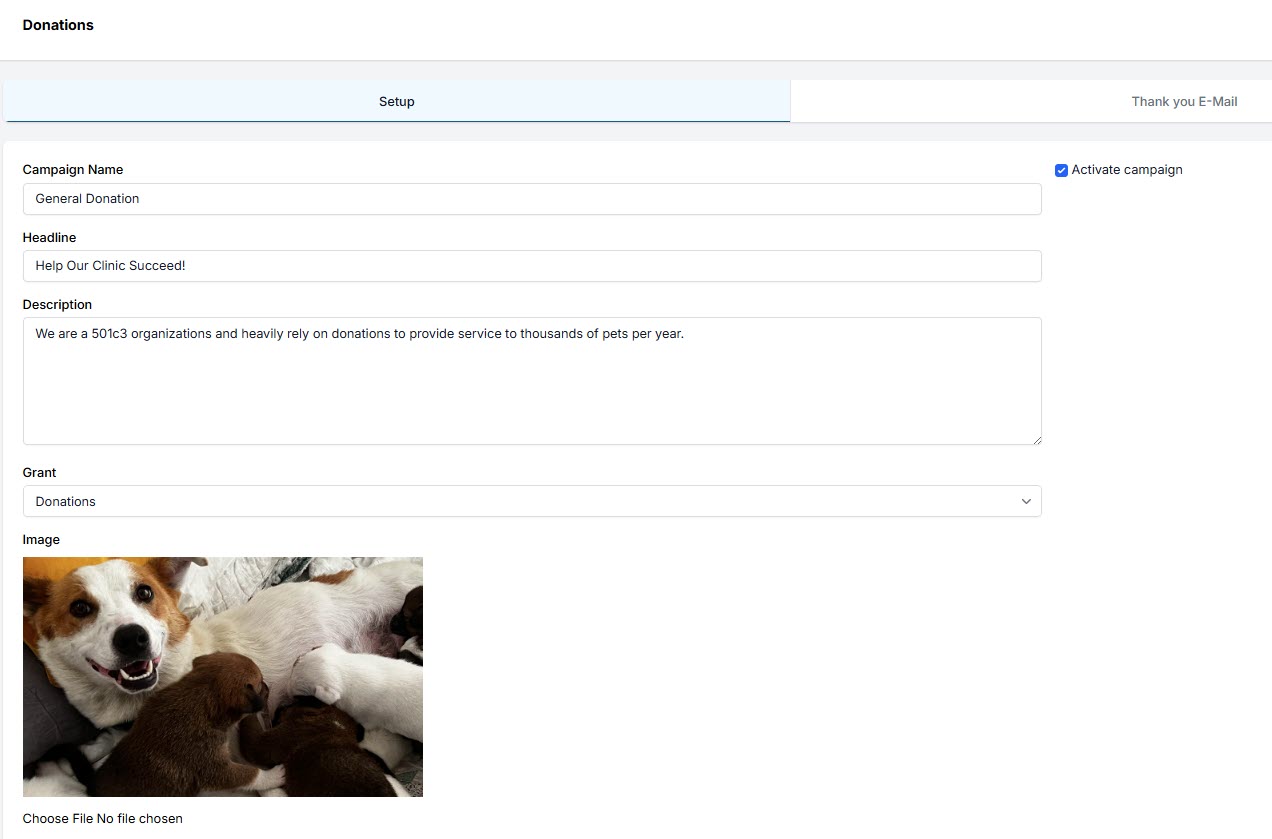
- Go to Settings > Donations > Goal Widget.
- Click +Add button.
- Fill in fields, mark campaign as active and save. Be sure to input the goal amount.
Putting the widgets on your site.
After this campaign is made, it produces two widgets to put on your site. They look like this:
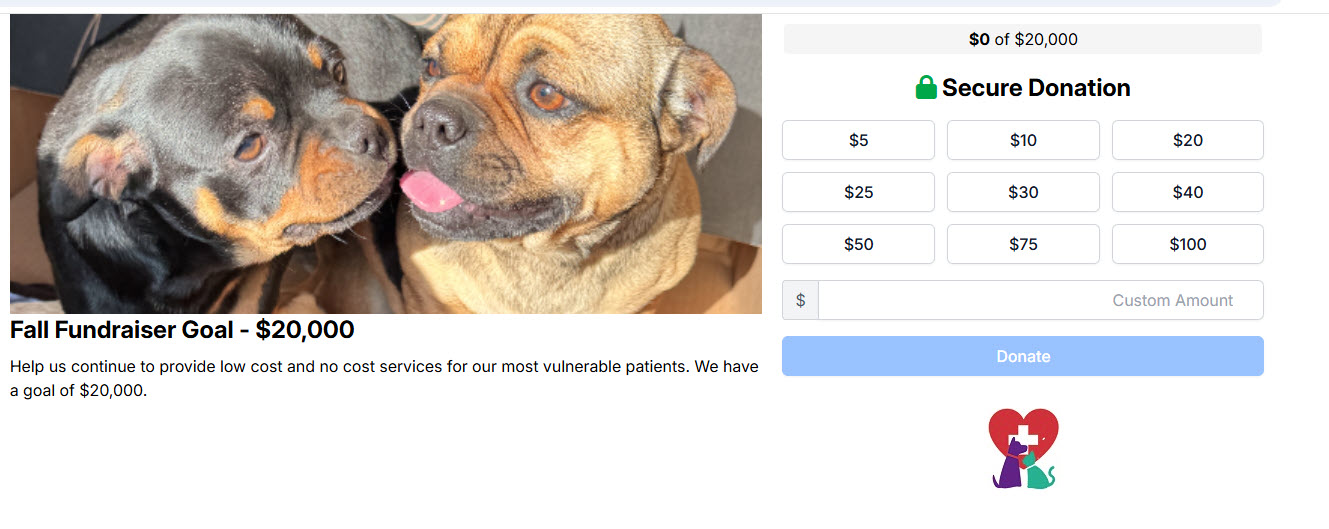

When donors use the link to make a donation, it attributes the amount donated and keeps track of it as a percentage of the the total goal.
You could make a page on your website to promote your fundraiser in a clear and exciting way!