11.4.4. Printing Prescriptions
11.4.4.2. Prescription Consult
Some states require a signature from a client acknowledging they received consultation on a prescription.
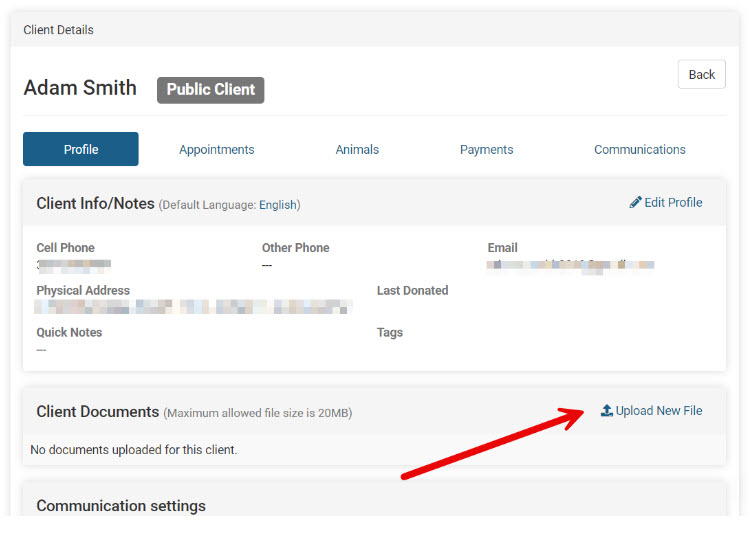
This will need to be completed as a hard copy and could be attached as a document to the client's profile.
Documenting the Client's Consult and Signature
Create a custom template with merge fields called Prescription Consult and upload this to Settings > Templates. (blank)Use merge fields to pre-populate the printed template.
- Print the template for anyone who will have a go-home prescription. The template will have all of their information pre-populated. Plus you can drop in the prescription merge field so it includes which prescription they got.
- Have the client sign it.
- If you have a tablet you can take a photo with the tablet (perhaps at the front desk where they sign) or scan it.
- Upload the image or scanned document to the client's profile under the 'Documents' section.