11.3. Step 3: Exam & Pre-Med (Daily Task)
11.3.3. Animal Behavior Tags

Behavior tags are an important marker to notify your staff on how to handle patients based on behavior
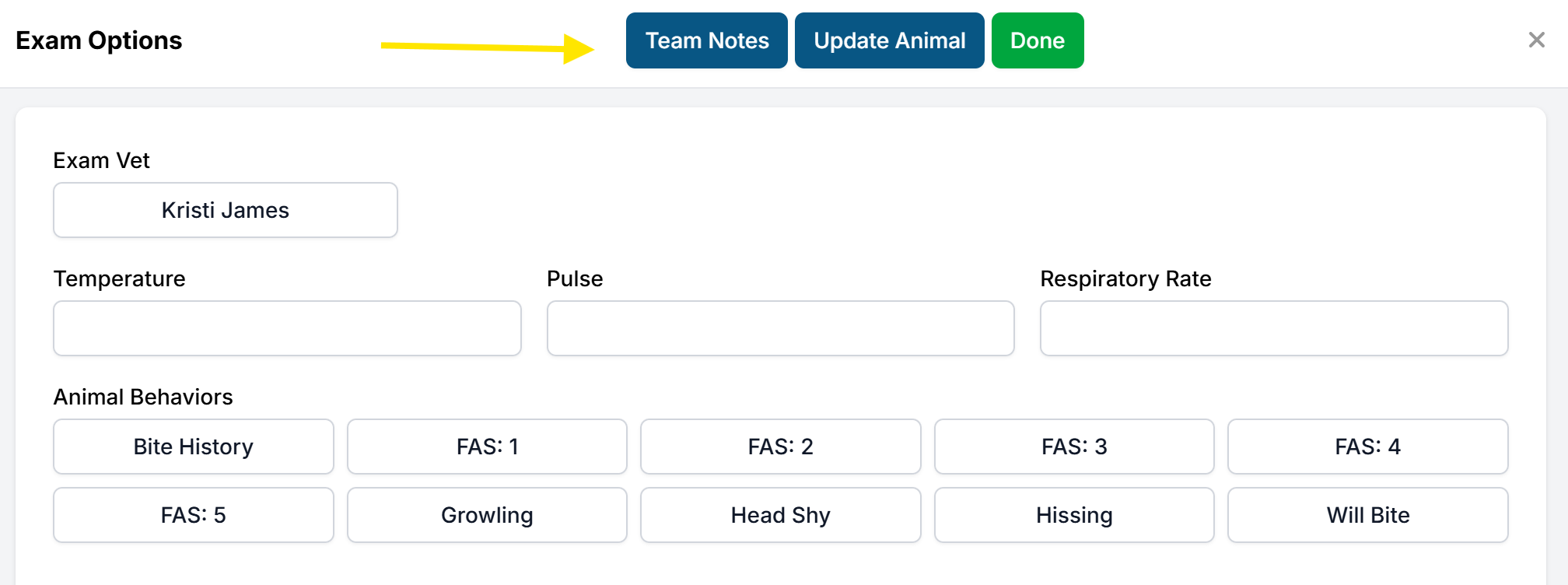
Animal behavior tags are easily accessible from the exam popup, allowing staff to quickly tag and communicate with other team members about an animal's status.
To access your clinic's tags, click Normal/Abnormal in the Exam column. Select as many tags as necessary, then click Done.
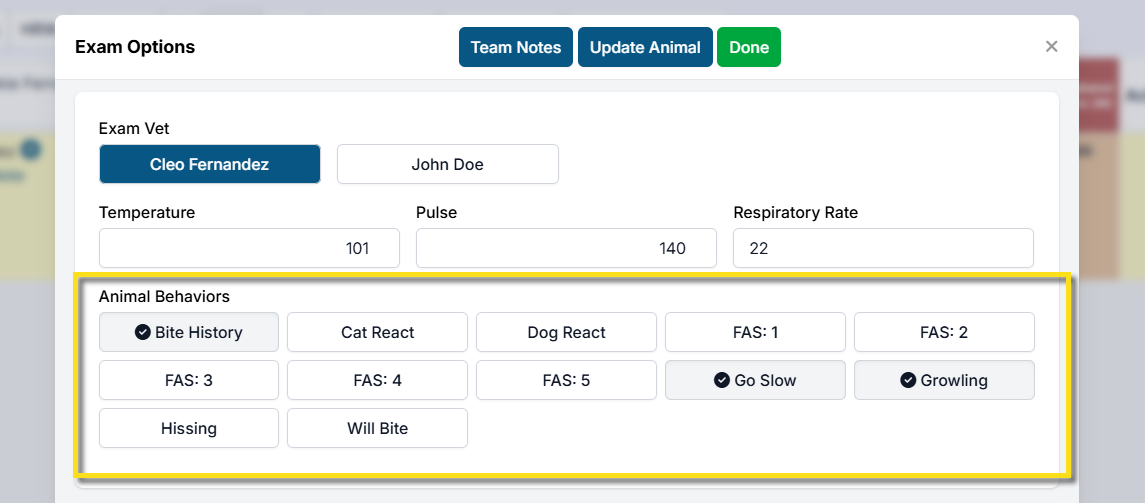
Not seeing behavior tags? Follow this guide to set them up.
Team Notes
If more detailed communication is needed, a team note can also be added from the exam popup or next to the animal's information in Patient Flow. Simply click Team Notes, enter your note, and Save.
Note: Team Notes are private, internal notes used to communicate with other team members. They are not part of the medical record.