What To Do At The End Of Your Day
12.5. Approving e-Appointments

Reviewing and Approving e-Appointments.
Approving e-appointments can happen at any time during the day. Before heading home, it is a good practice to double-check that all pending appointments have been reviewed and approved.
Approving e-Appointments.
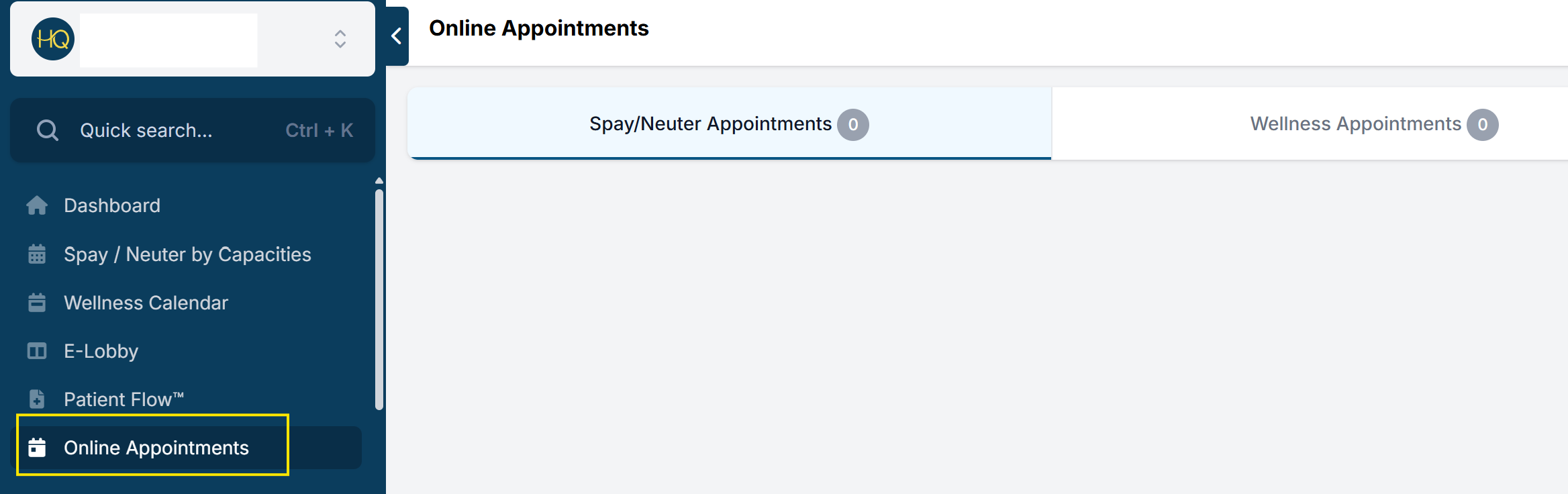
To review and approve e-appointments:
- Select Online Appointments in the left navigation menu.
- Review both appointment types: Spay/Neuter and Wellness. Pending e-appointments may appear in either section.
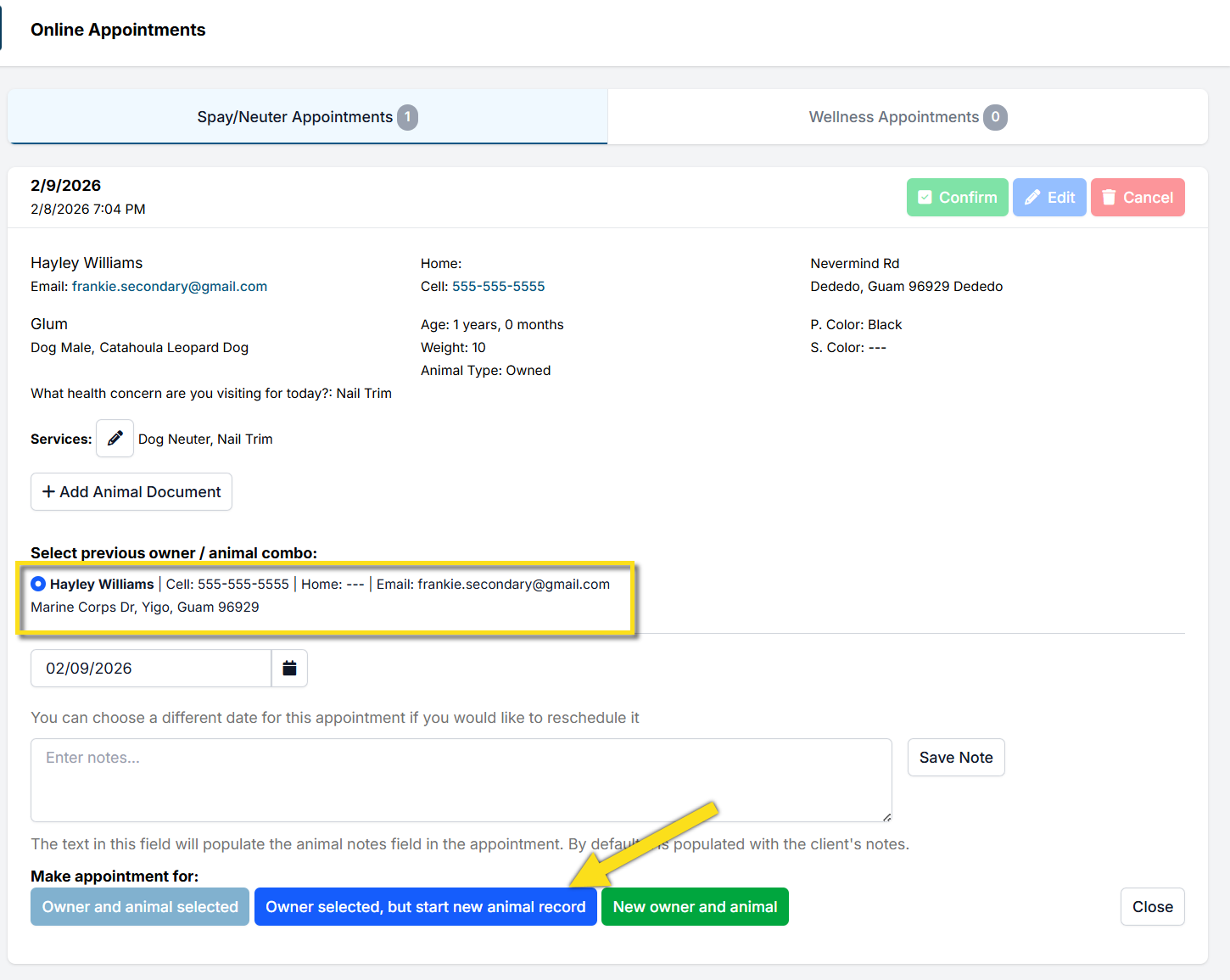
- Review each appointment and verify key details, including the pet’s age, weight, address (if address restrictions apply), client notes, and any custom questions your clinic uses.
- If there are no issues, review and refine the selected services. Add any additional services the animal is likely to need. For example, if proof of a rabies vaccine was not provided and state regulations require one, add the rabies vaccine service.
- If the client or animal has visited your clinic previously, select the existing owner and animal record when prompted.
- Complete the process by making the appointment.