1.1.1. Computers
Buying computers for your clinic is like getting a new puppy—exciting at first, but quickly a reminder of the need for solid budgeting! We know this is a significant expense, so here are some tried-and-true recommendations that balance performance and cost. There are no minimum requirements, except for the ability to load and access the Chrome browser.
How many devices do you need?
1 computer at the front desk 3 tablets for curbside check-in and exams 1 tablet or computer per 3-person surgery team (veterinarian, vet tech, and vet assistant)
Every clinic is different, but the key is ensuring staff always have a device nearby to keep workflow smooth.
PCs vs. Macs
We recommend PCs over Macs, since not all peripherals are compatible with Macs. We also prefer the Microsoft ecosystem for its overall compatibility and ease of use.
Recommended setups
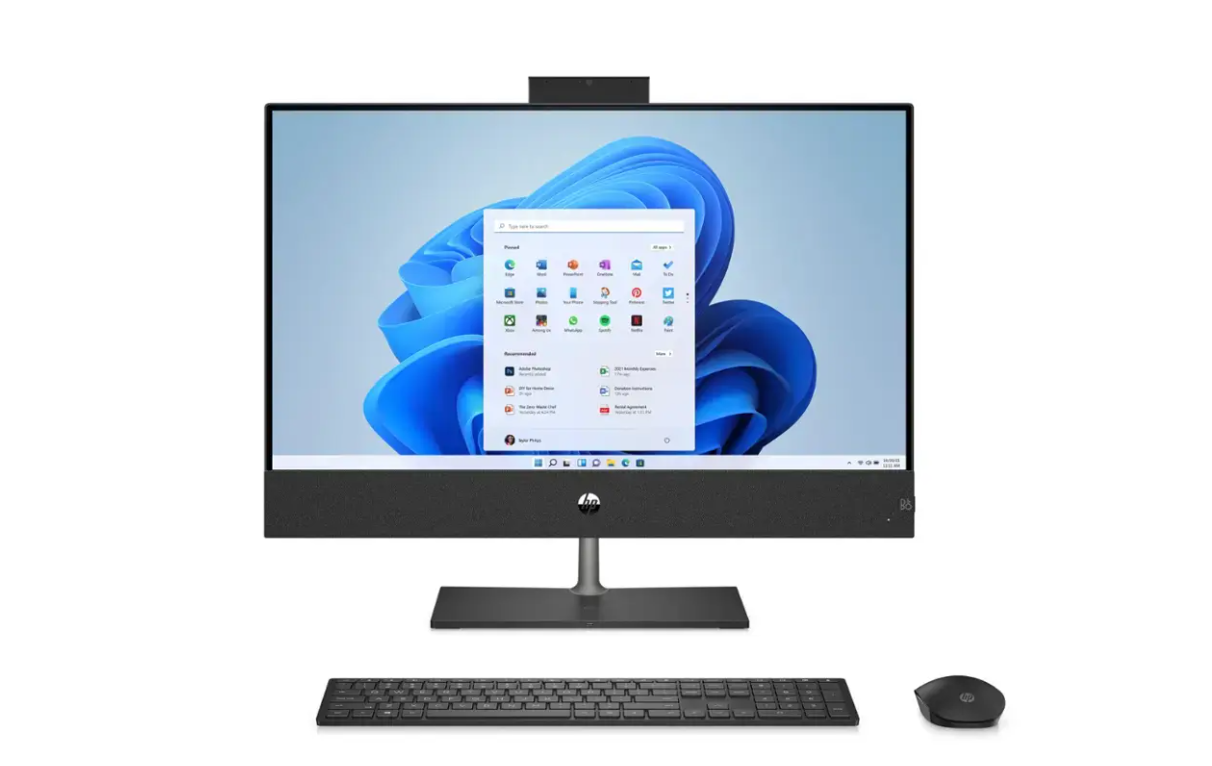
All-in-One Computer: A good option for the front desk or drug-drawing station is something like the HP All-in-One touchscreen. These units have the tower built into the screen, saving space. Look for a version with wireless mouse/keyboard support and touchscreen capability. Expect to spend around $1,000.
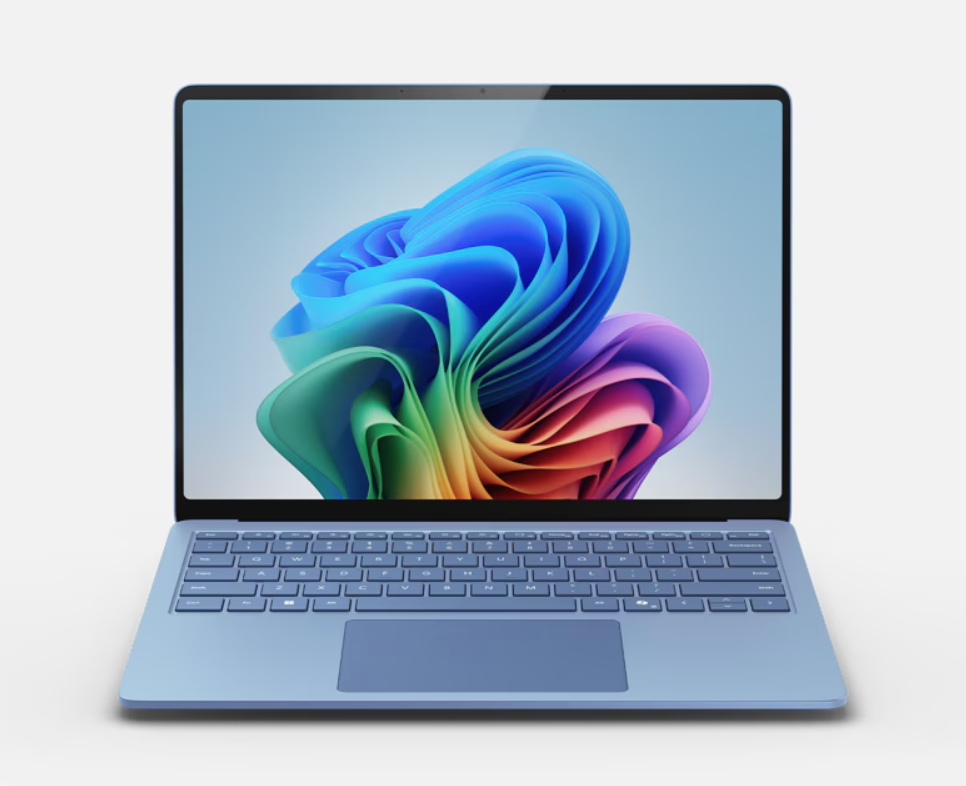
Work Laptops: The *ASUS ExpertBook offers a fast, affordable processor and is built to handle daily clinic demands. If your budget allows, the Microsoft Surface Pro is a versatile favorite, though it costs closer to $1,500 - $2,000, depending on the exact model.
Donated Laptops: Donated computers are fine as long as they can run the Chrome browser. No other minimum requirements apply.
TechSoup.org
Techsoup is a nonprofit organization that connects other nonprofits, libraries, and charities with donated and discounted technology products and services from major companies like Microsoft, Adobe, Cisco, and Zoom. It's a really good place to look if you're not picky about what you're buying and would just like the cheapest option possible.