1.4. HQ Navigation
1.4.2. Quick Search
HQ’s new design includes a streamlined navigation system to make your workflow more efficient.
HQ’s new design includes a streamlined navigation system to make your workflow more efficient.
Here’s how the updated features help you move around quickly.
Quick Actions
- Jump directly to popular tools using the shortcuts under Quick Actions.
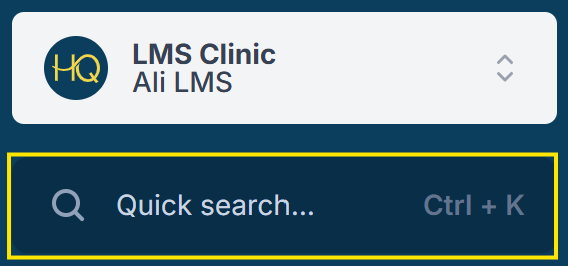
Search
- Use the Search bar to find clients and animals.
- The top five matches will appear automatically.
- Works best with specific names (e.g., “Abraham Lincoln”).
- For common names (e.g., “Bella”), use the full Search Clients/Animals page.
Auto-Populate
- As you type, results auto-populate to help you quickly find what you’re looking for.