1.2. HQ Uses Google Chrome
1.2.3. Bookmark Pages
Bookmarking important pages in Chrome makes them faster and easier to access.
Bookmarking important pages in Chrome makes them faster and easier to access.
How to Add a Bookmark
- Click the link to open the page in a new browser tab.
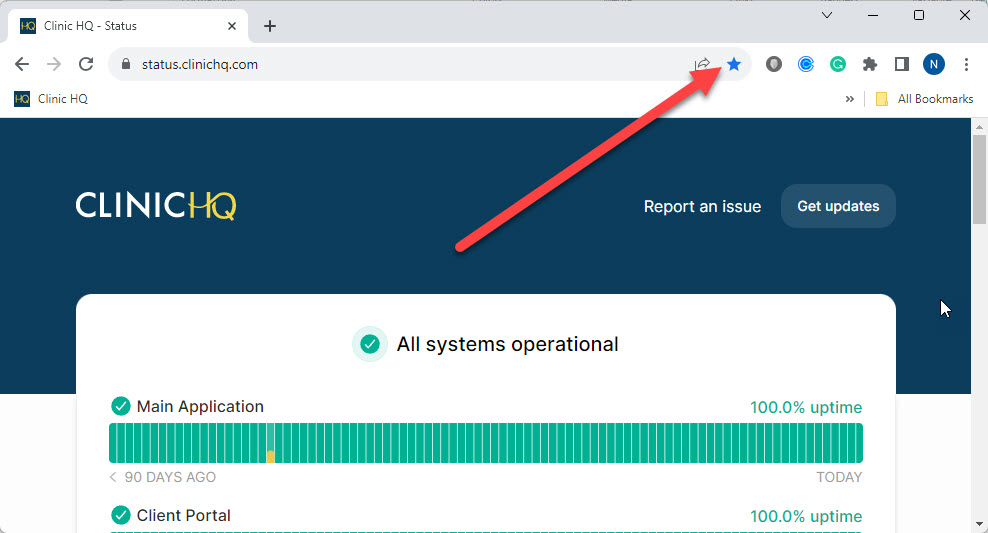
- At the end of the URL bar, click the star icon.
- Choose a name and folder (optional), then save.
Recommended Bookmarks
Start by bookmarking: