Reports
21.4. Patient Metrics- Microchip Export

The microchip export gives you a summary of all of the microchipped animals you have seen at your clinic. It can also show the unchipped animals, making for easy comparison.
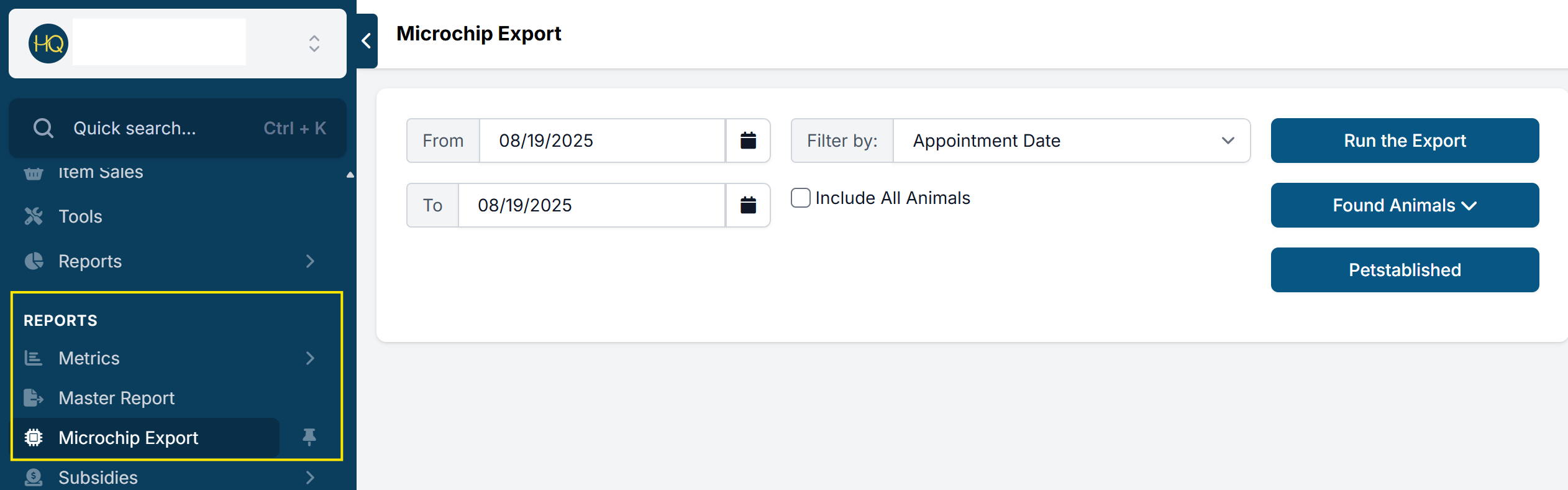
To enter the Microchip Report, scroll down to Reports and select Microchip Export
Understanding The Microchip Report
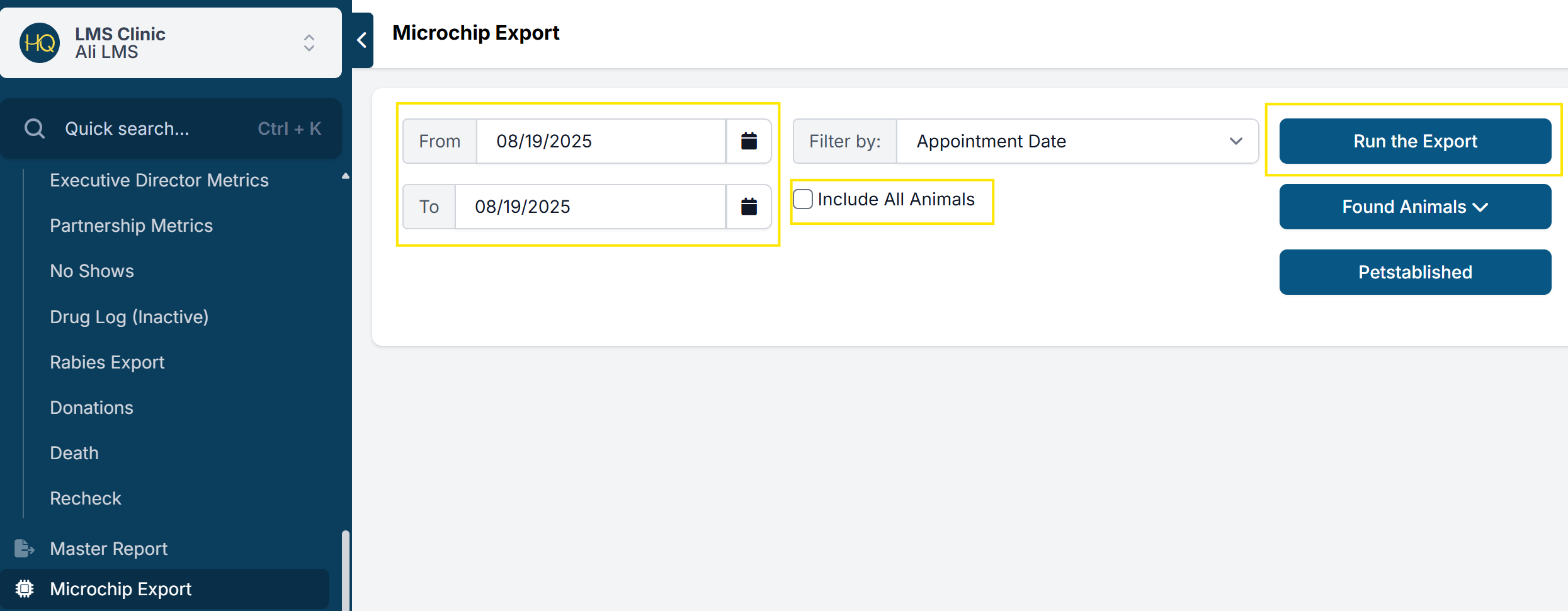
- In the Microchip Report, you can export all the microchips issued for a specific date range.
- You can also check the checkbox which says "Include All Animals" to include information on animals without microchips. This is best used when you want to check all animals and see which ones have microchips and which ones don't.
- CHQ has an active partnership with 24Pet Watch and Petlink, which automatically uploads all microchip data to their registry." should also include petstablished
- In the event that your clinic does use another chip provider, you can use this report to export all microchip data to your provider. For that, use the button labeled Run the Export.
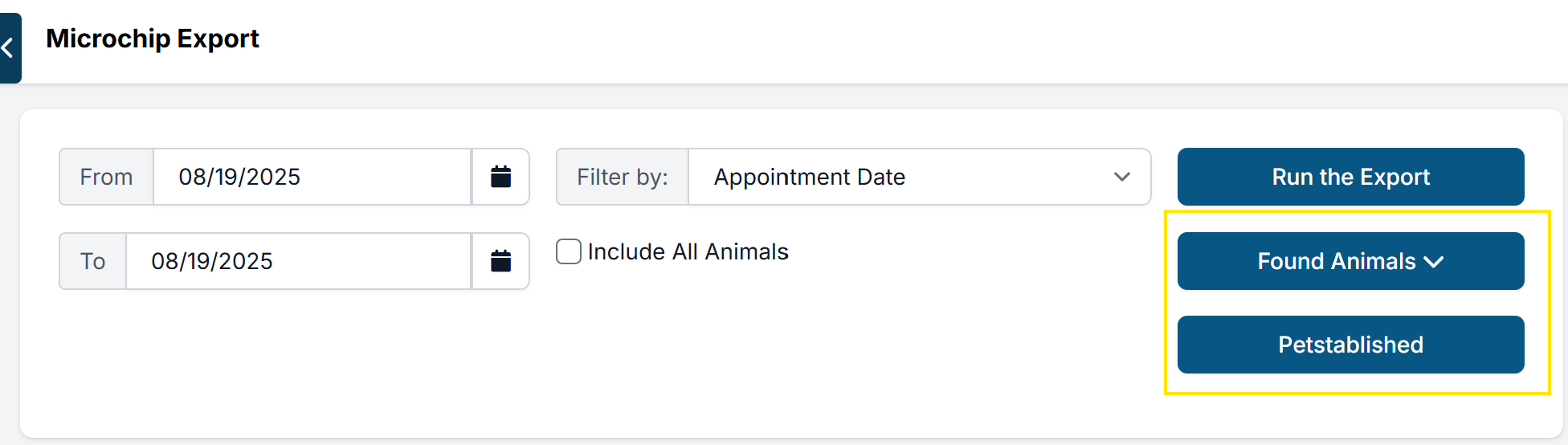
- There's an option to generate the same report in a format required by Found Animals. Simply use the button Found Animals and select CSV or Excel as your file extension and download the respective file. The instructions on how to upload this file to Found Animals' registry should be given directly by that provider.
- Similarly, you can export the format needed for a Petstablished microchip report.
Once opening the reports you will see all of the information registered with that animal's microchip. This will show you the address, owner, breed and much more information.