Change Logs
22.1. Animal Details Change Log

Animal Details Change Log
You can find an audit log relating to a specific animal record.
- Search for the client or animal via Quick Search (Ctrl + K) or Search Clients/Animals.
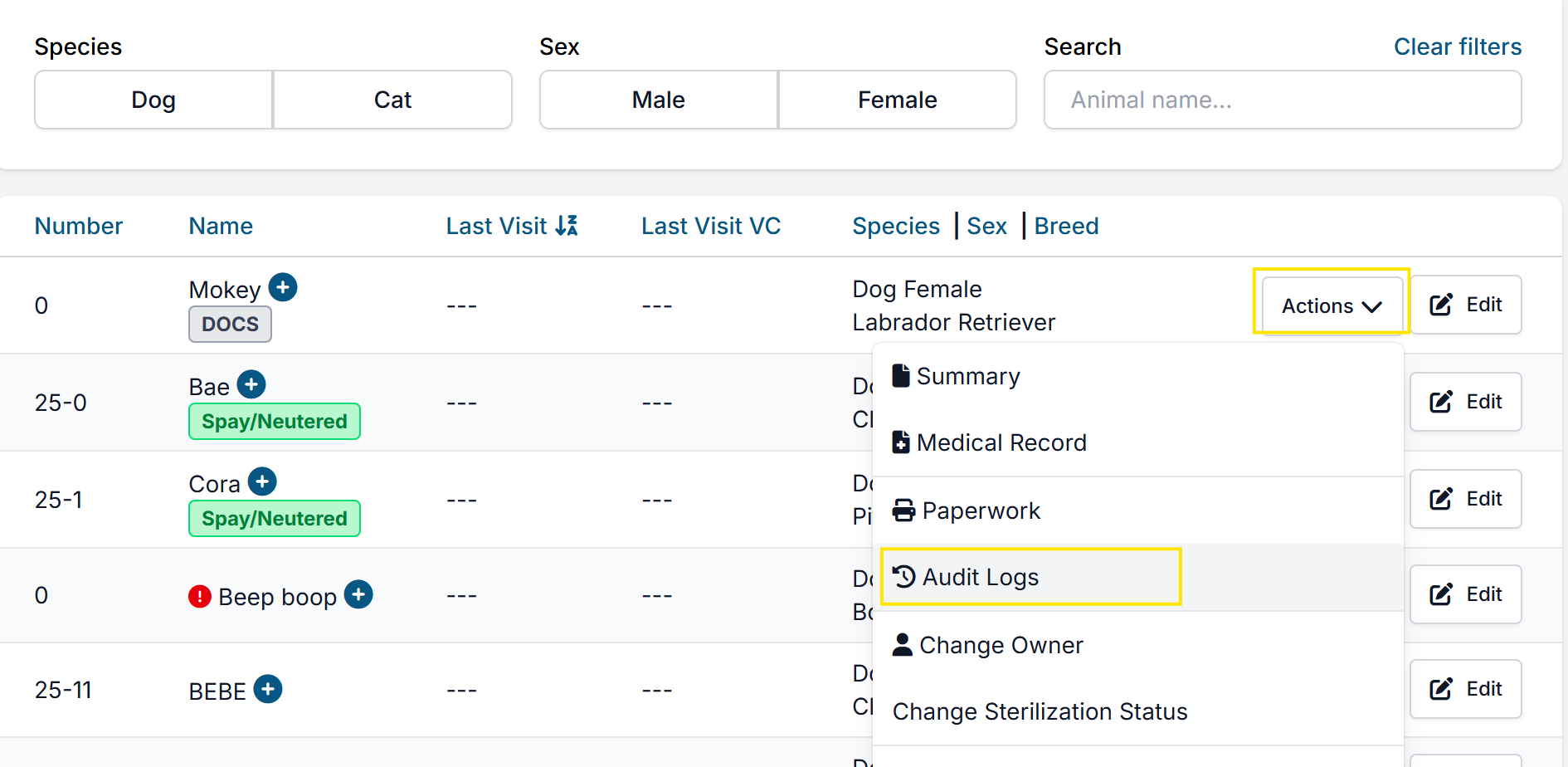
- Once you find the client profile, go to the Animals tab. Find the animal’s record and click Action > Audit Logs.
- This log will capture major changes made to the animal’s details as well as the user and time stamp details of that change.
Important: The Audit / Change Log only records merge actions (who did it and when). It does not allow you to undo or “unmerge” clients or animals.