19.13.2. How To Process a Refund
19.13.2.2. Refunding Multiple Animals All At Once
Refunding Multiple Animals At Once
From Client Profile:
- Locate the payment in the "Payments" tab
- View details on payment
- Select full refund
- Select how you want to refund (cash, card, check, etc.)
- Enter the amount
- Select Refund Payment
Note: If you want to select any partial amount of a refund, it must be done individually.
From The Appointment Screen:
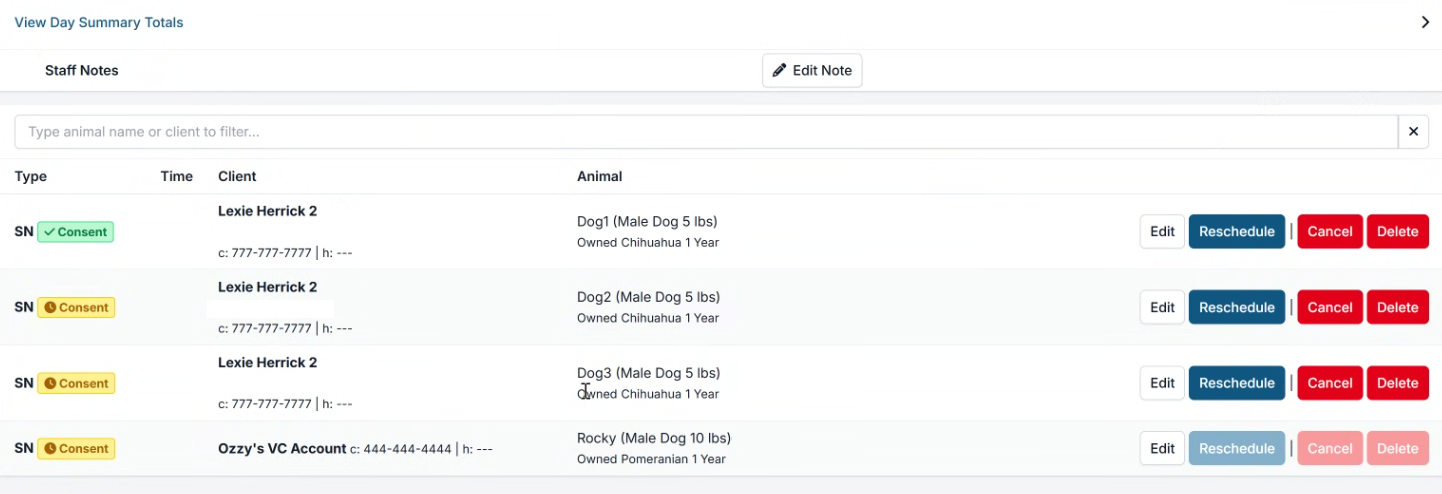
- In the appointment, navigate to the financial tab. Your screen will look like this (below). You will only need to select one of the animals on this payment in order to refund the full amount.
#_ Select Edit Payments
- Select how you want to refund (cash, card, check, etc.)
- Enter the amount
- Click Refund Payment.