18.8. Texting
18.8.1. Where do you see and send text messages
When a client texts your clinic or staff needs to send a one-off message to the client, these one-on-one correspondences are in the E-Lobby.
- Sending Texts from the E-lobby:
- To initiate a custom text to a client, you must open the e-Lobby. Remember the e-Lobby is like your front desk. Check-in, checkout, and communication can occur here.
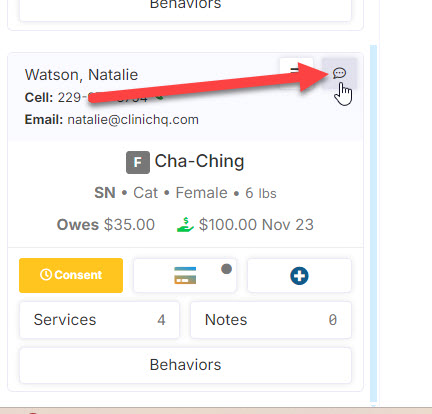
- Each animal will have its own card. On the card is a talking bubble. Click the talking bubble icon to initiate a text to the client/owner the animal is scheduled under.
- You cannot text a phone number that has not been assigned to an animal.
Please note, that delivery status for automated texts such as appointment reminders are tracked in (blank)Communication Logs.
- Receiving Texts in the E-lobby
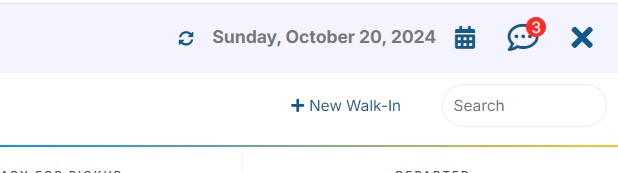
A chat bubble icon is displayed in the upper right corner of the screen. If there are unread messages, a red numerical symbol will be displayed. You see them in E-lobby here: